 Foto
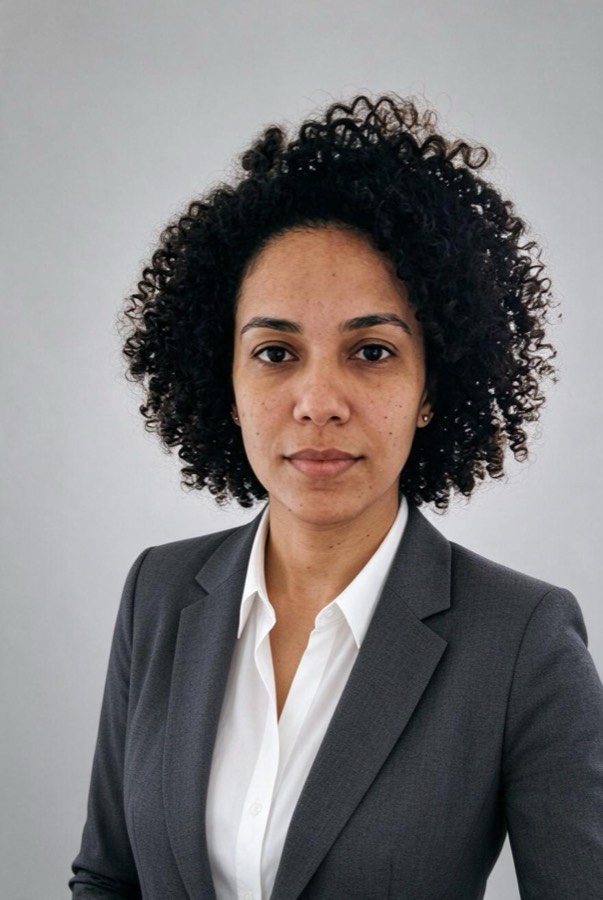


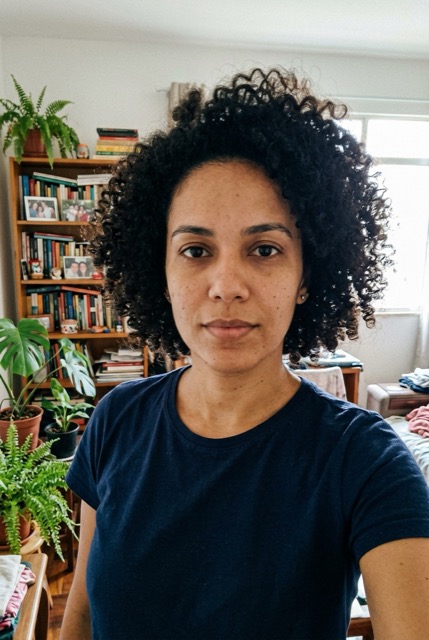
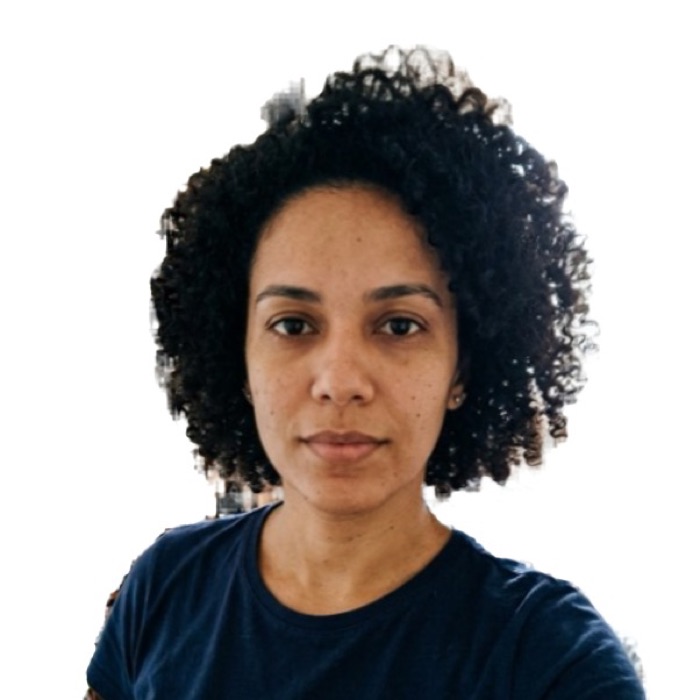
How it works in 4 steps
- Check the issuing authority’s rules and take a front-facing photo.
- Preview the dimensions and framing in the tool.
- Review the report and keep an unedited photo when required.
- Download a photo or print layout only if the authority allows the changes.
US passport / visa photo (2x2 in): the numbers
| Size | 51 x 51 mm (2 x 2 in) |
|---|---|
| Pixels at 300 dpi | 602 x 602 |
| Digital file | 600 x 600 px, JPEG up to 240 KB |
| Head height | 25 to 35 mm |
| Background | White, plain, no shadows |
| Glasses | Not allowed |
| Used for | US visa (DS-160): 600 x 600 px digital file; US passport (DS-11, DS-82) and Green Card; Diversity Visa (DV) lottery |
Basis: US Department of State: head 1 to 1 3/8 in (25–35 mm), white or off-white background, no glasses; the digital file is a square JPEG of 600 x 600 to 1200 x 1200 px, up to 240 KB. Official source. The agency that receives the photo makes the final decision.
Why this exists
We read 6,844 reviews of the most-installed passport photo apps. The top complaint is not photo quality — it is billing: "free" apps that ask for a card, trials that turn into annual charges, and services that approve your photo, take payment, and only then reject it. FotoApta works the other way round:
- No sign-up, no card, no subscription. Nothing to cancel later.
- Checked before you download, not after you pay.
- Your photo never leaves your device. The AI runs in your browser.
- No watermark. JPG, 4x6 print sheet and A4 PDF are free.
How to print for cents
Download the 4x6 print sheet and order it as a regular 4x6 in (10x15 cm) photo print at Walmart, Walgreens, CVS, Costco or any photo kiosk. A 4x6 print usually costs well under a dollar, versus about $15–17 for passport photos taken at a pharmacy counter. Ask for actual size, no cropping, no "fit", then cut along the gray lines.
What we check
- One person, facing the camera, head straight (tilt is corrected automatically).
- Eyes open, neutral expression, mouth closed.
- Head height inside the official range for the document you picked (US: 25–35 mm, 1 to 1 3/8 in).
- Even, bright light on the face; sharp enough to print.
- Head and shoulders fully in the frame.
The check runs on your device and is a guide, not a guarantee: the agency that receives the photo makes the final decision.
When not to replace the background
Requirements depend on the document. For example, UK passport photo rules require images unaltered by computer software. Original background keeps the backdrop, but the editor can still crop and straighten the photo. Check the issuing authority’s rules before submitting an export.
Frequently asked questions
Is it really free?
Yes. The photo, the 4x6 print sheet and the A4 PDF are free and have no watermark. There is no account and we never ask for a card. The AI runs on your device, so a photo costs us nothing to process.
Is my photo uploaded anywhere?
No. Face detection and background replacement run in your browser. The photo does not leave your phone or computer, and we never see it.
What size is a US passport photo in pixels?
A printed U.S. passport photo is 2 × 2 inches, equivalent to 600 × 600 pixels at 300 dpi. Digital U.S. visa uploads follow separate DS-160 requirements.
Can I take a passport photo with my phone?
Yes. Ask someone to take it from about 4 feet away at eye level, facing a window, without flash. Use the backdrop required by the issuing authority. A plain white or off-white wall is required for many documents.
Will my photo be accepted?
The report checks visible features and dimensions. The issuing authority decides whether to accept the submitted photo.